
Automate your Meta ads with Bloom.
Turn on weekly ads and Bloom makes new versions of your best-selling Meta image ads every week, then puts them in your ad account, paused. You look them over and turn on the ones you want.
It also helps you run small tests to learn what sells to your customers, and suggests what to try next.
Access is by invitation. Pricing is 10% of the spend on ads you send through Bloom.
Bloom's own marketing team has made 3,165 ads with it since June 2026 and sent 1,178 of them to Meta.
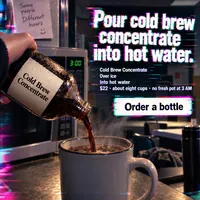
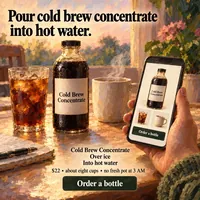
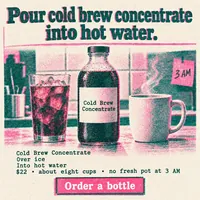
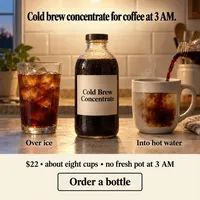
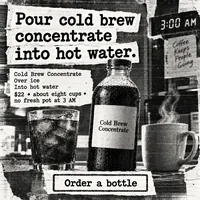

Every week, your best-selling image ads turn into new ads to test.
Testing new ads every week is the job that slips when a small team gets busy. Connect your Meta account and turn on weekly ads, and the app does it for you on a schedule. This is what happens each week.
- 01
It finds the ads that brought in sales.
Once a week the app reads your results from Meta for the last 7 days and ranks your image ads by purchases. Ads with no purchases are left out, and so are video and carousel ads.
- 02
It makes 15 new versions of each one.
Ten keep the winning ad's words and try new designs. Five keep the winning design and try new headlines. It does this for up to 25 of your best-selling image ads every week.
- 03
The new ads wait in your Meta account, paused.
Each batch goes into a new ad set in your own ad account, copied from your standard ad set. Nothing spends until someone on your team turns an ad on. Your company's owners and admins get a message in the app saying how many are waiting.
- 04
Next week, it starts again from what sold.
Whatever sold best this week gets its own new versions next week, so your account keeps getting fresh ads made from ones that already work.






Start with up to 100 new ads.
When you join, you pick up to ten of your strongest past ads and the app makes ten new versions of each. They go to Meta paused, just like the weekly ones. How many you get, here and each week, depends on your plan’s limits.
Ads you make yourself wait for you.
Anything you make in the studios stays in your Library until you send it to Meta from there.
The Library: every batch you make, ready to send to Meta.
It learns what sells in your account and tells you what to test next.
Meta tells you which ad won, but not why. The app helps you run small tests built around one idea at a time, so you can compare pictures and headlines and decide what to try next.
- 01
Each test ad is labelled with the idea it tries.
When you start a test, the app makes ads built around one idea, for example a close-up photo of the cup instead of a drawing, and remembers which ads test which idea.
- 02
Your Meta results come back to it every 6 hours.
You send the test ads to Meta from the Library, so the app can follow each one. It keeps reading their results and waits for at least 5,000 impressions and 25 purchases before it calls a test.
- 03
Your Insight Board says what it found in one plain sentence.
It also shows how strong the evidence is. Only a finding that passes the app's strictest checks is marked Proven.
- 04
Your next test starts from what worked.
The board suggests the next tests from what it has learned. Pick one, check the cost and confirm, and the app makes the batch.
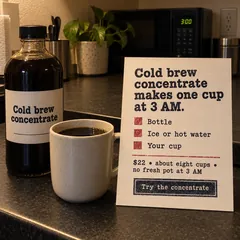
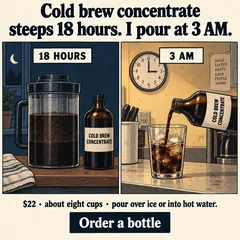


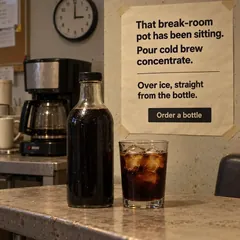
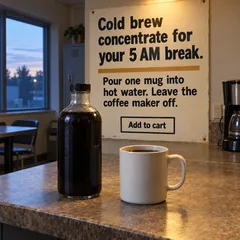
The real Insight Board in our sample workspace. No test there has reached a result yet, so it says so.
Here is what one short brief turned into.
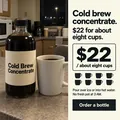
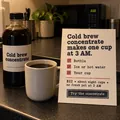
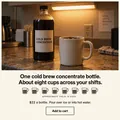
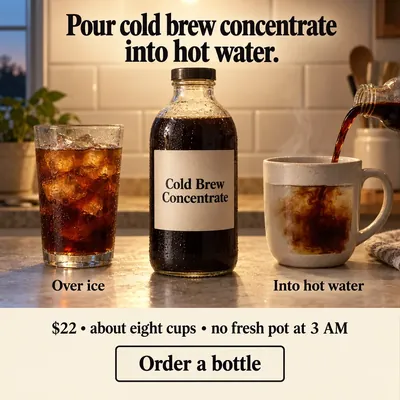
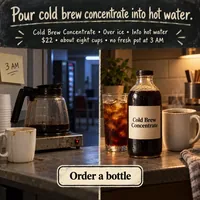
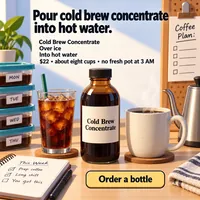
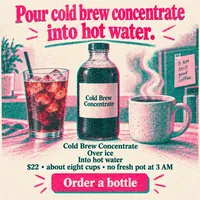
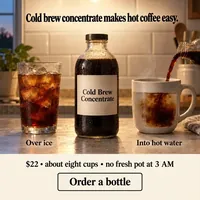
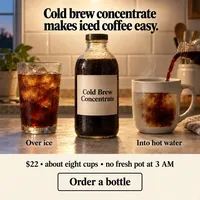
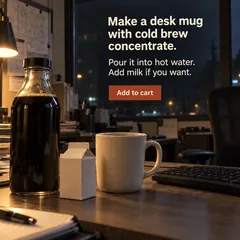
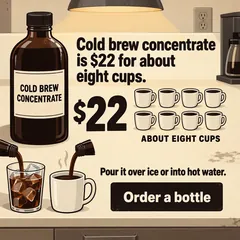
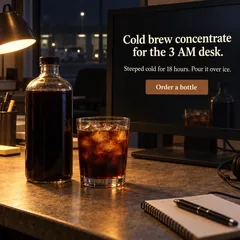
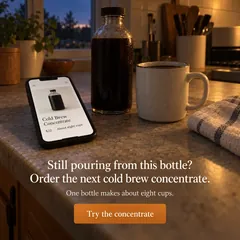
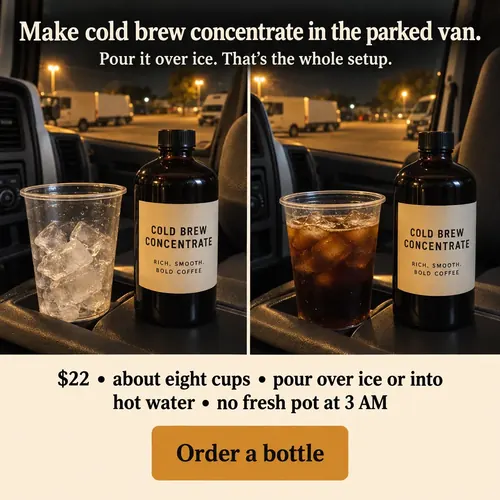
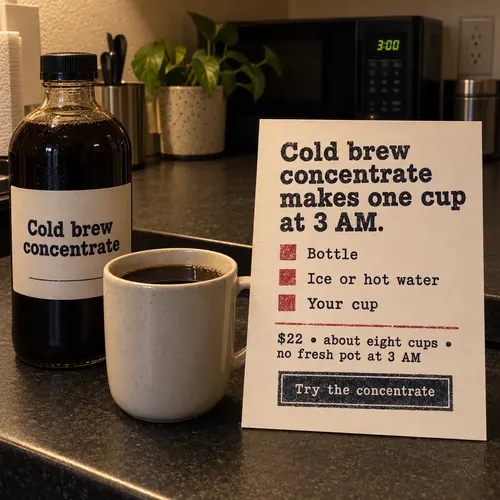
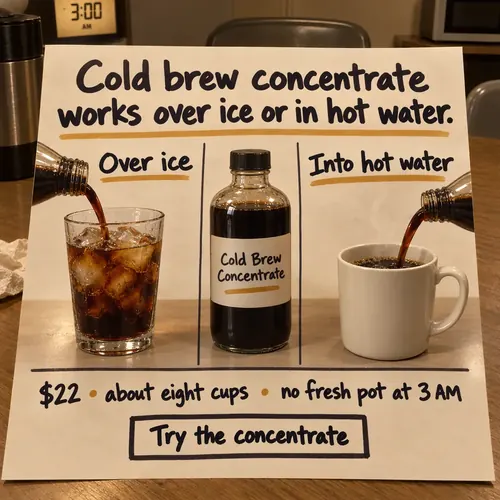
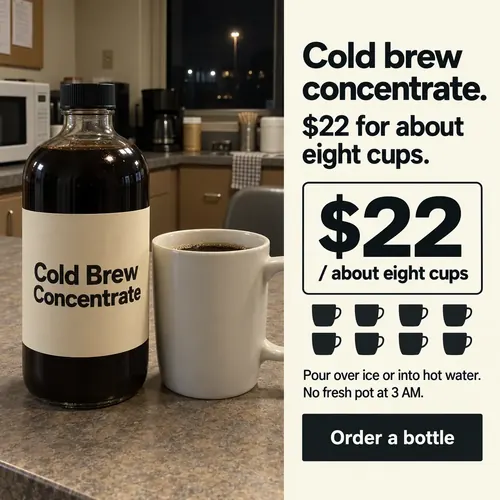
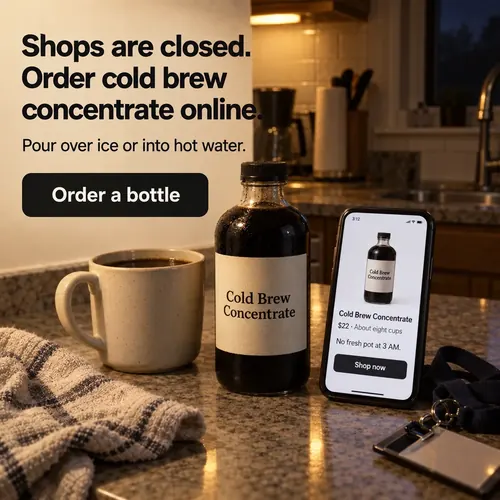
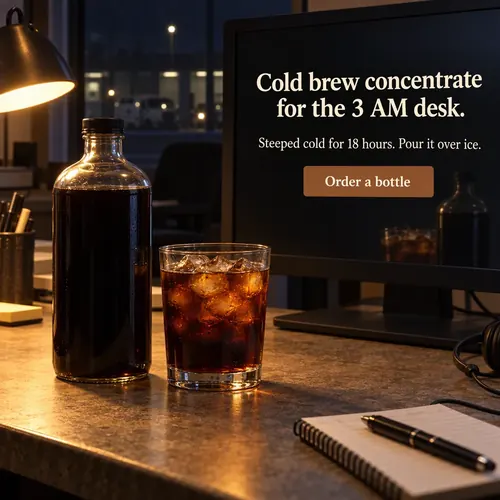
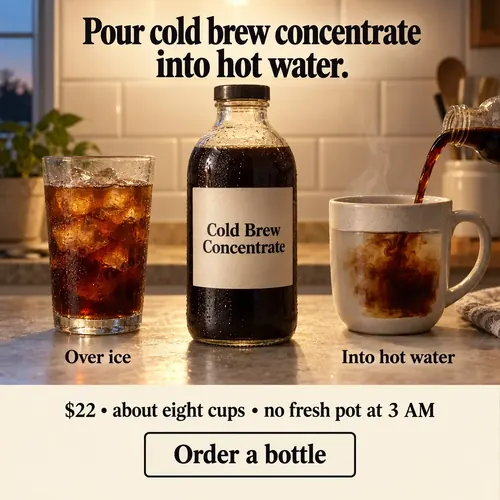
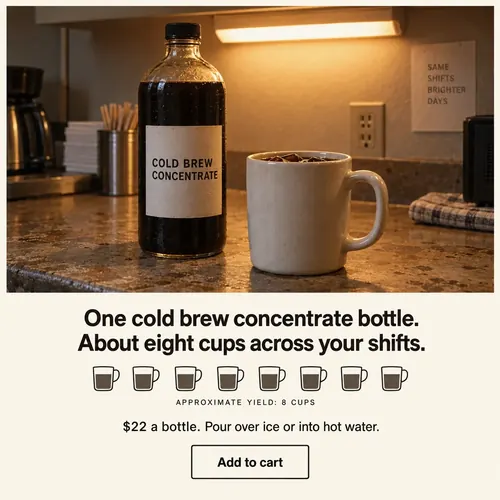
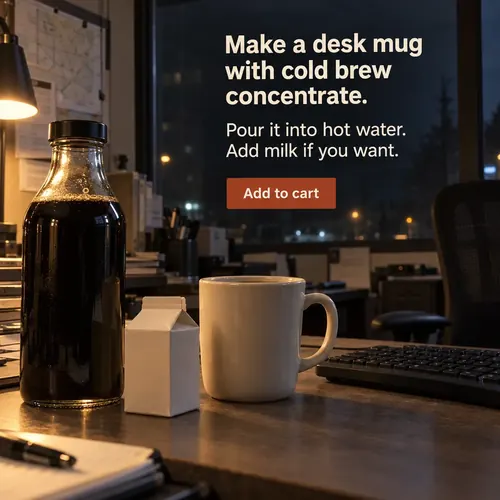
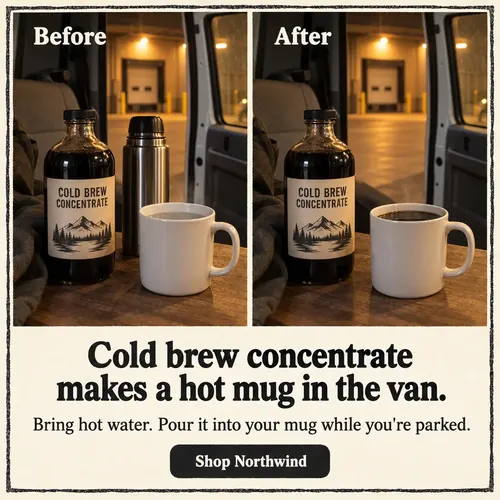
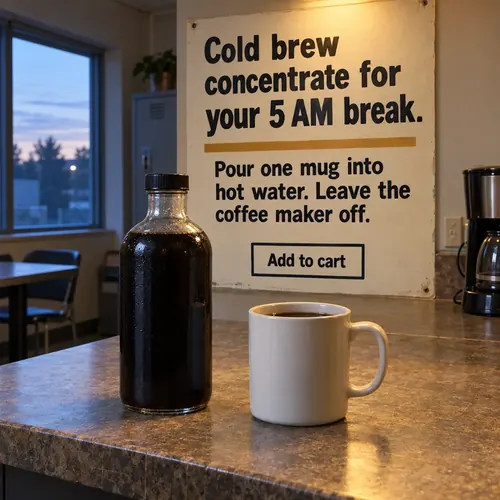
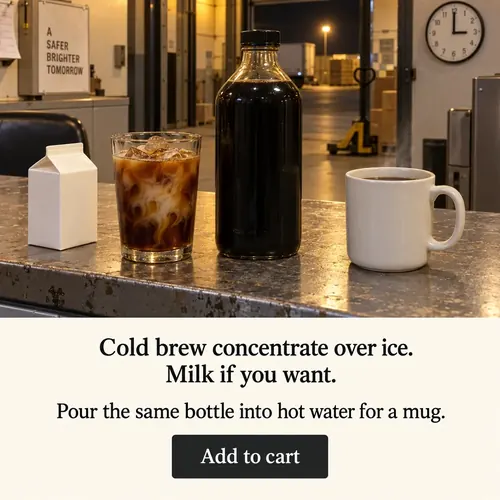
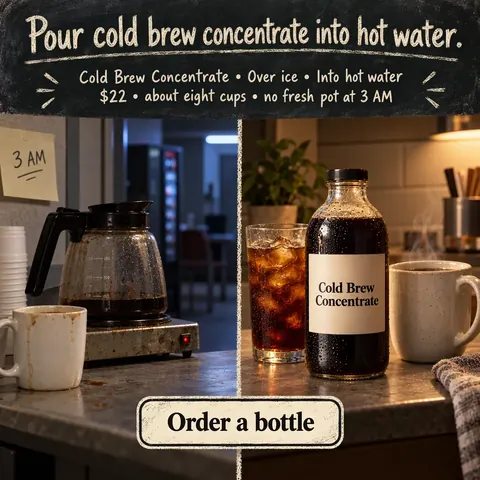
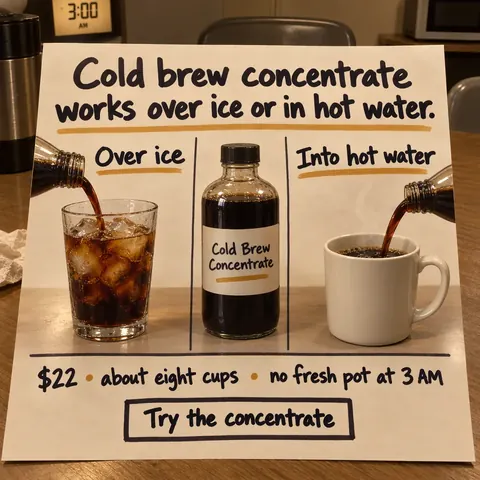
We asked for cold brew ads for people who work night shifts. The app wrote 16 ideas and checked that someone who had never heard of the brand could tell what each ad sells. Every ad has its own look and its headline printed in the picture. These 12 were ready to use as they came out.
Example ads for a sample brand, Northwind Coffee Co · Brief: Cold Brew Concentrate for people who work night shifts · 16 ideas, 16 pictures, $1.44 in image costs
You can also make ads, landing pages and emails yourself.
During setup, the app reads your website and drafts your products, the customers you sell to and your brand voice. Your team edits them until they sound right. From then on, each ad, page and email starts from a product and a customer you pick, or from none if you prefer.
The Variator: you choose what to change and see the cost first.
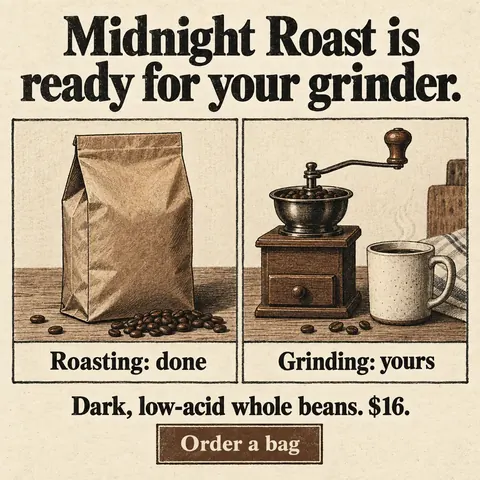
Example ads for a sample brand, Northwind Coffee Co. Pages and Emails show example layouts.
- Variator
Upload one ad that worked and get up to 20 new versions of it in each batch to test.
- Brainstorm
Write a brief and get ten to twenty ad ideas in different visual styles, each with its headline printed in the image.
- Inspiration
Paste an ad you like. The studio works out why it grabs attention and makes ads for your brand on the same idea, without copying the picture.
- Pages
Paste your sales copy and get a landing page as HTML for your website.
Northwind Coffee CoCold brew for night shifts,
ready in one pourOrder a bottle - Emails
Turn a brief into an email that’s ready to paste into Klaviyo.
From Northwind Coffee CoCold brew for the whole weekOrder a bottleUnsubscribe
You decide what runs, and your ad account stays yours.
Everything the app sends to Meta arrives paused and runs from your Facebook Page, with your Instagram account and pixel added when your setup uses them. Nothing spends until someone on your team turns an ad on in Ads Manager.
We help you connect your ad account with Facebook Login for Business, and the access tokens are stored encrypted. Your company gets its own private workspace, so no other company can see your brand rules, your ads or your results.
You still choose which ads run.
Before a picture is made, a second AI reads newly written ad copy the way a stranger would and rewrites anything that doesn’t say clearly what you sell. Repeated ideas are caught while a Brainstorm batch is planned, and your brand rules guide every draft. Pictures can still come out with a misspelled word, so look the finished ads over before you run them. In our September test, the share of new ads ready to run unchanged went from 27% to 47% after a round of fixes.
Request an invite.
Tell us what you sell and how much you spend on Meta ads. If it’s a good fit, we’ll open a workspace for your company and read your website to get you started. Pricing is 10% of the ad spend that runs through the app. Access is by invitation only, so there’s no signup page.